
WISE CAMERA
Take truly beautiful photos!


Wise Camera will improve your photography forever!Ever noticed how some photos just pop, capturing your attention and refusing to let go? That magic often boils down to one key ingredient: composition. But here’s the challenge – mastering composition can feel like trying to solve a puzzle without all the pieces, especially when you’re starting out. It’s not just about what you capture, but how you frame the main subject and supporting elements.That's where Wise Camera swoops in to save the day. Think of it as your personal photography coach, nestled right inside your iPhone. This app brings to life 15 classic composition rules that have been the backbone of stunning visuals for centuries. From the Rule of Thirds to leading lines, these principles are what separate the forgettable snaps from the unforgettable masterpieces.The team behind Wise Camera, Digiguys Apps, has delved deep into the annals of art history, distilling years of artistic wisdom into a tool that’s both powerful and easy to use. We believe that everyone has the potential to take breathtaking photos; sometimes, all you need is a little guidance.By overlaying these time-tested composition rules directly onto your camera view, Wise Camera does more than just guide your shots. It educates and inspires, turning every photo opportunity into a learning moment. The history of composition is rich and storied, and through Wise Camera, we're bringing centuries of artistic innovation right to your fingertips.So, why does this matter? Because in the world of photography, understanding composition is a game-changer. And with Wise Camera, not only are you learning to see the world through a more artistic lens, but you're also joining a tradition of visual storytelling that dates back centuries. We’re excited to bring you an app that’s not just about taking photos, but about transforming how you see and capture the world around you.


SCAN ME

★★★★★ Very impressed. This app had way more than I was expecting(Weeman_1)
★★★★★Helpful for beginners or professionals(Dre9827639)
★★★★★ Can’t find a better composition aid for landscape and travel photography(khl.anthony)
We have spent years studying artistic composition rules, and we are so happy to bring this new Wise Photos app to you. Wise Camera includes 15 artistic composition rules. You can find a list of all the artistic composition rules here.
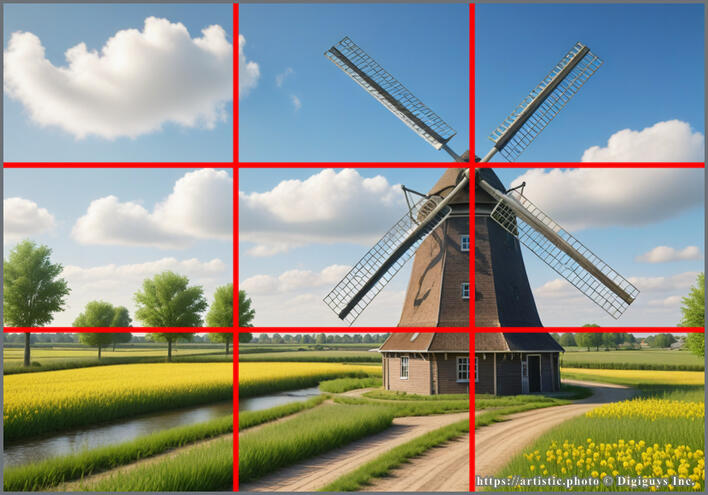
Rule of Thirds
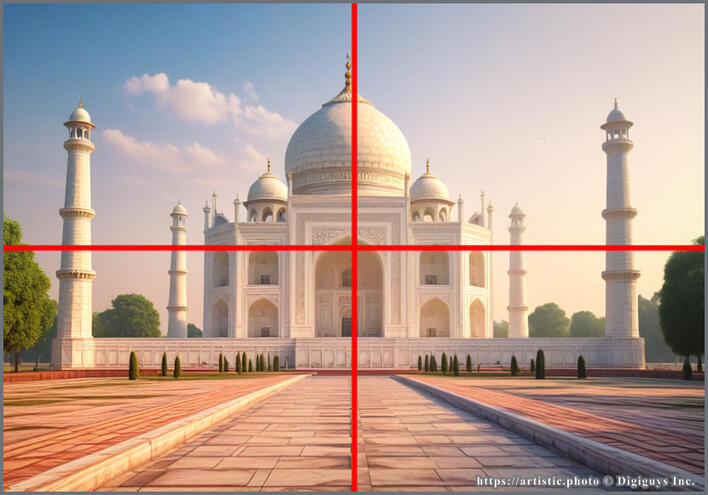
Symmetry
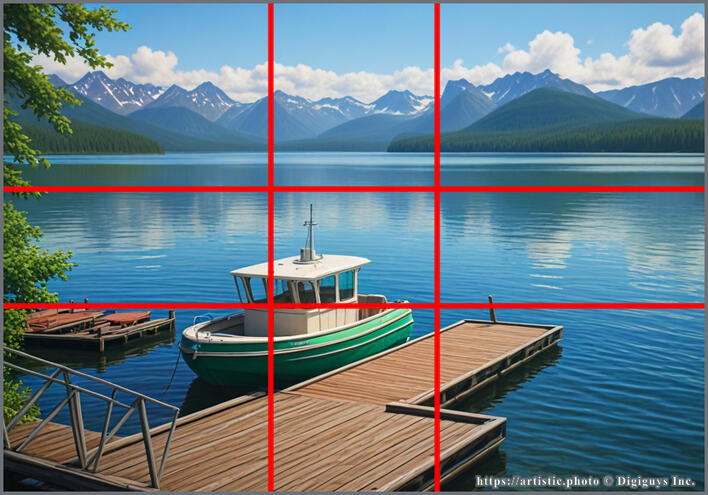
Phi Grid
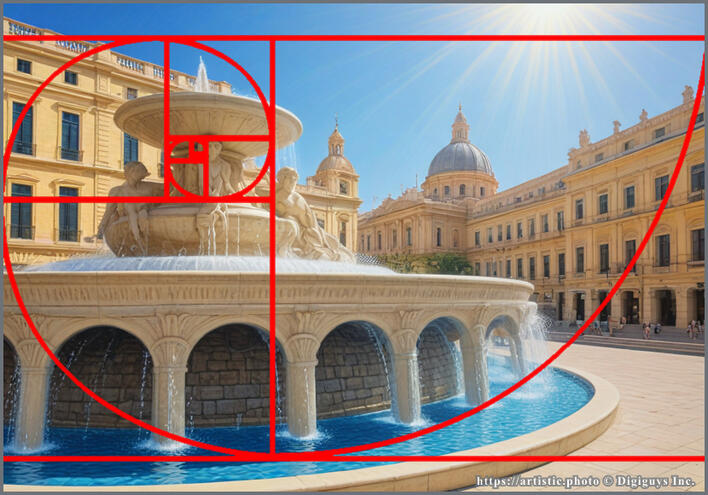
Fibonacci Spiral
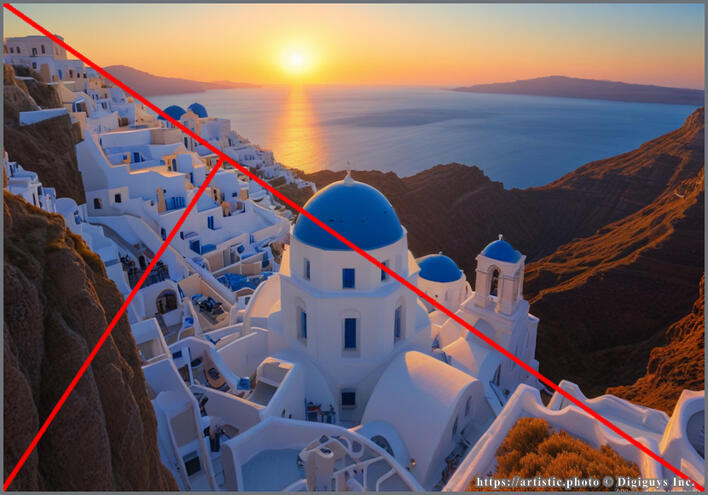
Golden Triangles
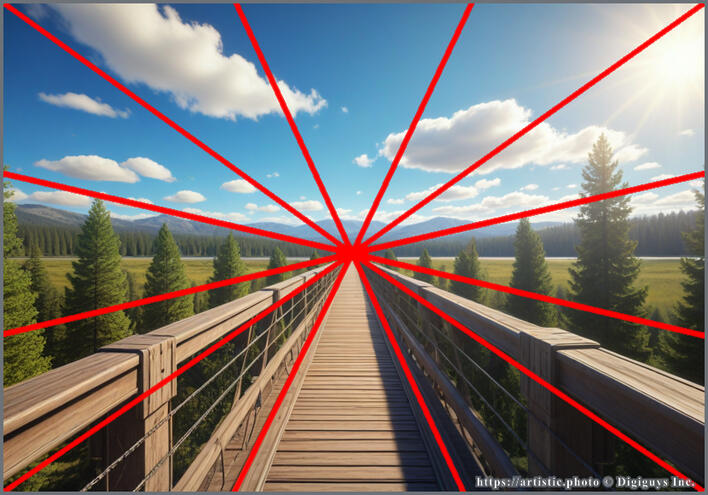
Vanishing Point
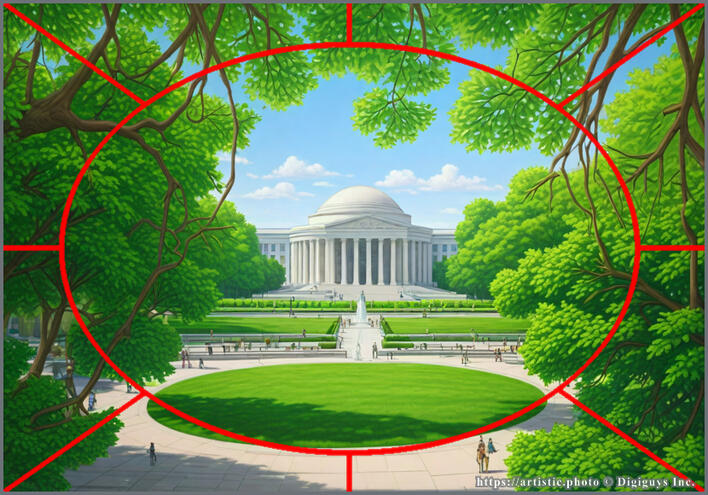
Framing Depth
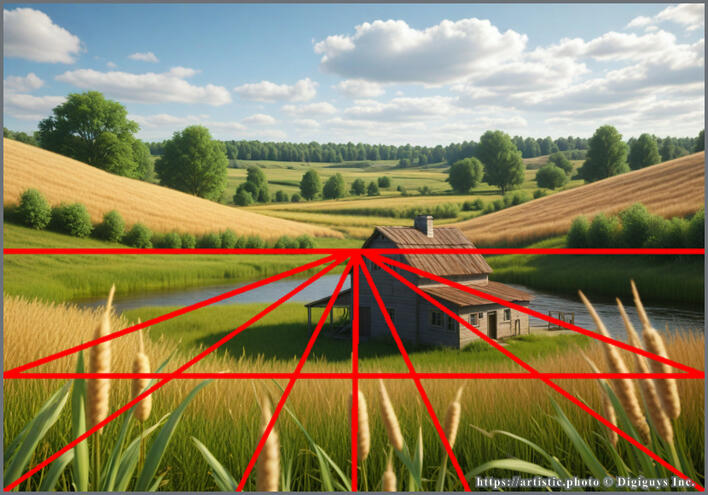
Landscape Depth
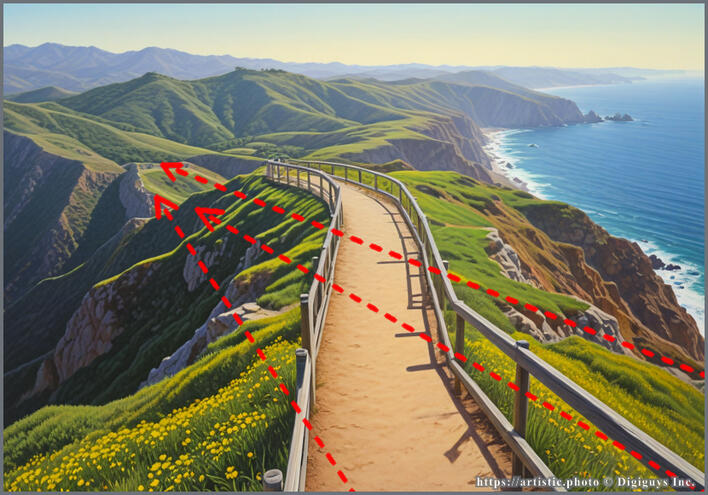
Leading Lines
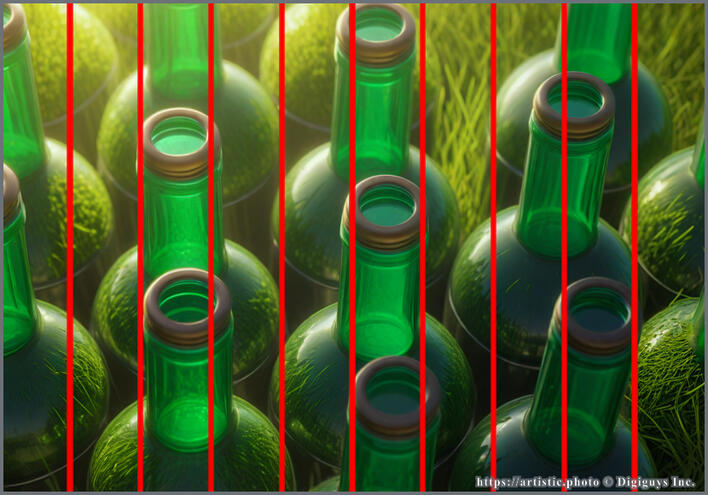
Lines and Patterns
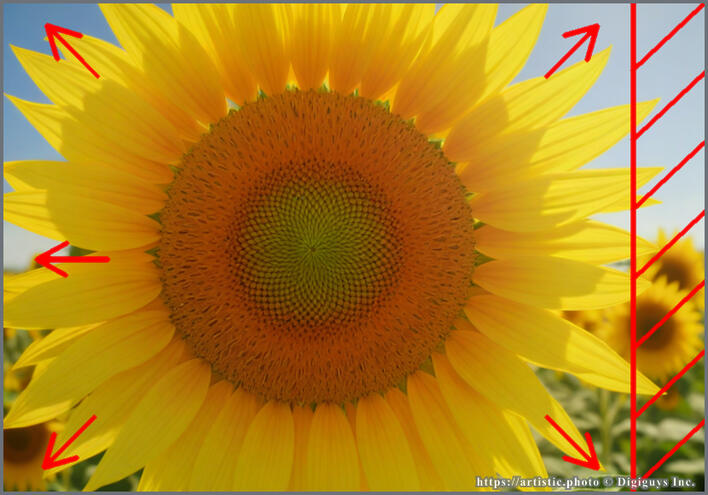
Fill the Frame
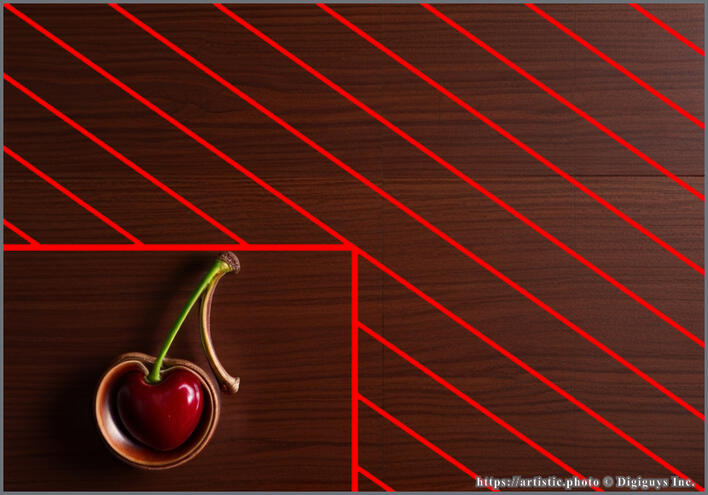
Negative Space
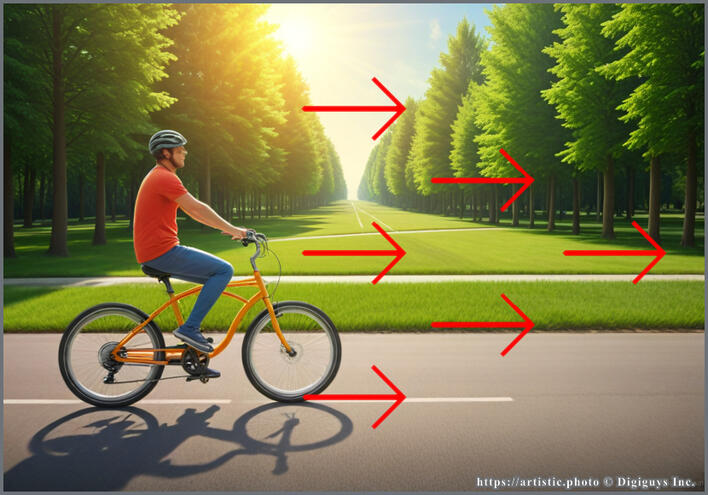
Left to Right
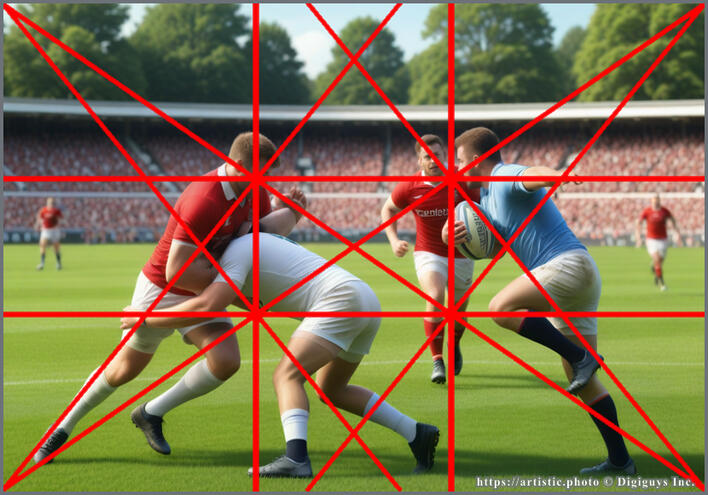
Dynamic Symmetry
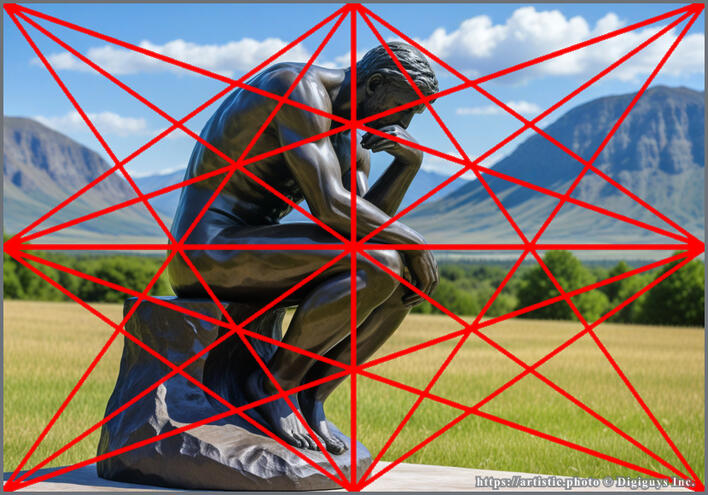
Harmonic Armature
You can learn more about each composition rule hereFind photo examples from the community in the photo gallery here.To get the FREE Wise Camera app in the Apple App Store, click here.If you need to apply artistic composition to photos already taken, the Wise Photos is the app for you!
FAQQ: Is the Wise Camera app FREE?
A: The Wise Camera app is a freemium app. You get to use the first 2 composition rules for free. This means that you can take photos with the free composition rules.Q: But, I am a painter. Can I use the Wise Camera app?
A: Yes, the Wise Camera app 15 artistic composition rules are great for painters, art teachers, interior designers, landscape designers, drawing, and more. Painters find useful the Dynamic Symmetry artistic composition rule.Q: How can I purchase the Composition Rule Package?
A: You can tap the Options button (the circle with three dots) at the bottom right corner of the screen, then tap Get Composition Rule Package.Q: Where can I see example photos with the artistic composition rules applied?
A: We have a community photo gallery where you can see beautiful photos using the artistic composition rules. Check them out here.Q: Do I need a credit card?
A: No, the purchase will be processed by Apple via your iTunes account.Q: I purchased Wise Photos in the past. Do I have to purchase the Composition Rule Package?
A: No, since you purchased Wise Photos in the past, you will have access to all 15 composition rules. You MUST do Restore Purchases from the Options menu.Q: I would like to apply composition rules to photos in my Photo library. Do you have an app for this?
A: Yes, we have the Wise Photos app, which will let you apply composition rules to photos in your Photo library. You can download it here.Q: What is the difference between the Wise Camera app and the Wise Photos app?
A: With the Wise Camera app, you can apply artistic compositions in real-time while taking photos. You can see the artistic compositions overlay in the camera viewfinder. With the Wise Photos app, you apply artistic compositions to photos you already have taken and are in your Apple Photos app library, including photos of sketches, sculptures, and interior designs, to mention a few. You can compare the Wise Camera app and the Wise Photos app here.Q: I am not a photographer. Can I still use the Wise Camera app?
A: Yes, the Wise Camera app can also be used by painters and artists, not just photographers, if you're a painter in any medium, such as acrylic, watercolor, pastels, oil, ink, or even digital artists. You can use the Wise Camera app to apply artistic compositions to your paintings or drawings. Interior designers, landscape designers, and architects also use the Wise Camera app in their workflow. Read more about how to use the Wise Camera app for painting here.Q: As an artist painter, should I get the Wise Camera app or the Wise Photos app?
A: It depends. If the artist uses photography as a reference, then the artist can use the Wise Camera app to apply the artistic compositions when capturing photos of the scenes that will be later painted. If the artist is underdrawing or underpainting (sketching or drawing) before starting to paint, the Wise Photos app will help the painter explore different artistic compositions.Q: Where can I learn more about all the Digiguys Apps?
A: You can learn all about the Digiguys Apps here.Q: Can I get support?
A: Yes, feel free to ask any questions here.
© Digiguys, Inc. Wise Camera